
Collecting wedding photos: App, cloud or DIY – which solution is right for your wedding?
QR code app, cloud or simply collect them yourself? What guest photos of your wedding really cost, which solution suits which wedding size – and why WhatsApp is often not the best solution.
The most important in brief
- For weddings with 20 or more guests, a QR code wedding photo app like MyMillionSnaps is the best solution – a one-time cost from approx. €30, no app download, no account.
- Cloud solutions like Dropbox, Google Drive or iCloud work for 10 to 20 tech-savvy guests – setup takes time. For fewer than 10 guests, AirDrop or a WhatsApp group is usually sufficient.
- A wedding in Germany costs on average €17,000 in 2026 (Bridebook 2026) – the €30 for an app are negligible.
- Those who use both are best off: QR code app as a basis, which really collects everything – in addition to the wedding photographer.
Your guests take hundreds of photos and videos on your wedding day. The champagne reception, the dance floor, grandma laughing along in the evening. The photos your photographer doesn't take are often the most beautiful. Only one question remains: How do you get them all? Three approaches have proven effective in practice – a QR code wedding photo app, a cloud solution via Dropbox or Google Drive, or the DIY route via WhatsApp, USB stick, and individual requests.
The three solutions at a glance
Before we go into detail, here's a quick overview.
QR code app
One scan, one click, all pictures centrally in your private gallery.
Cloud solution
Dropbox, Drive or iCloud. Works, but requires setup.
DIY
WhatsApp, USB stick or asking individually. Free, but time-consuming.
QR code wedding photo app – the stress-free solution

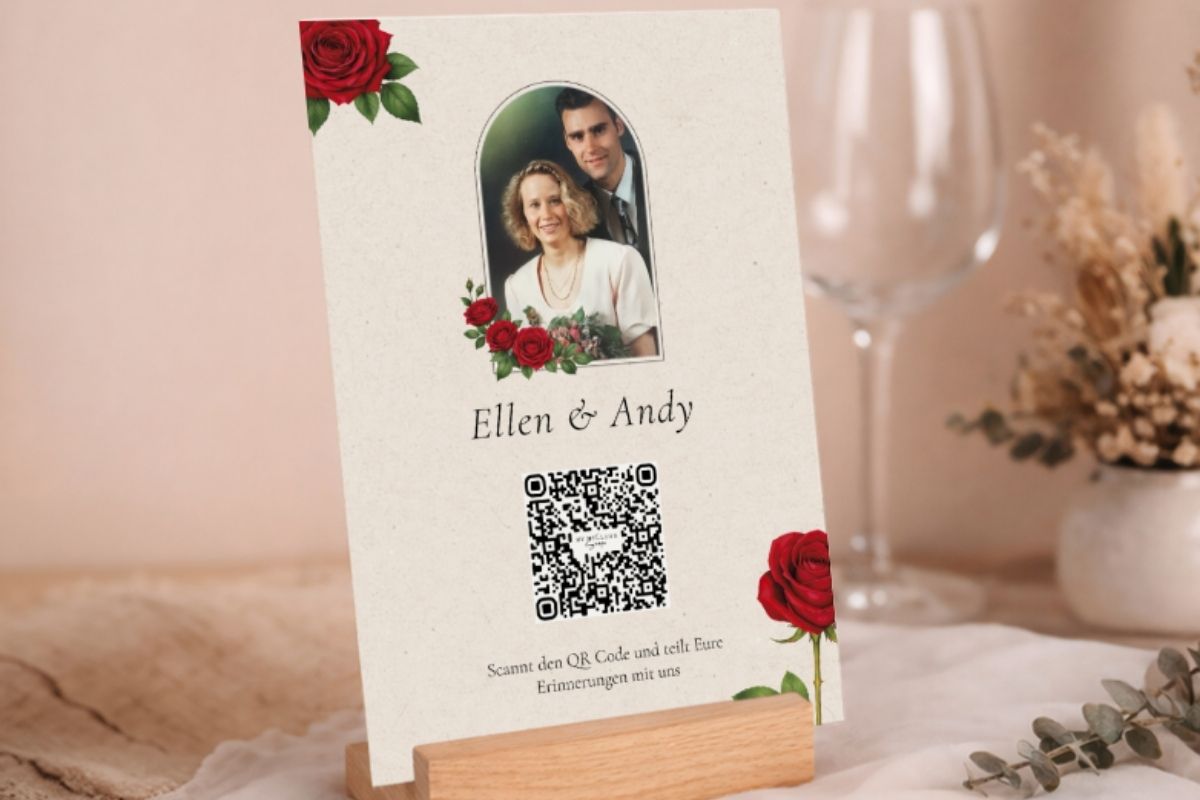
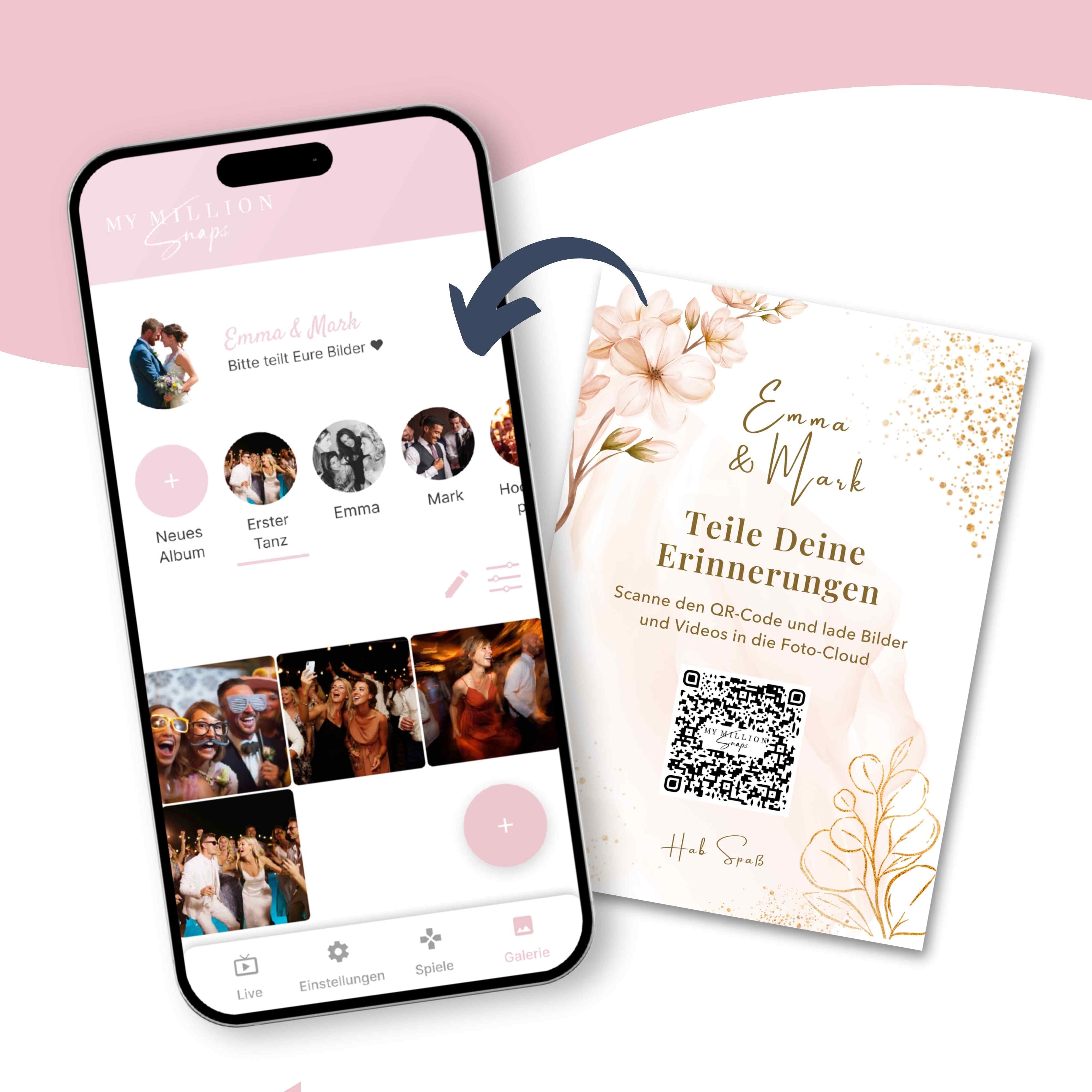
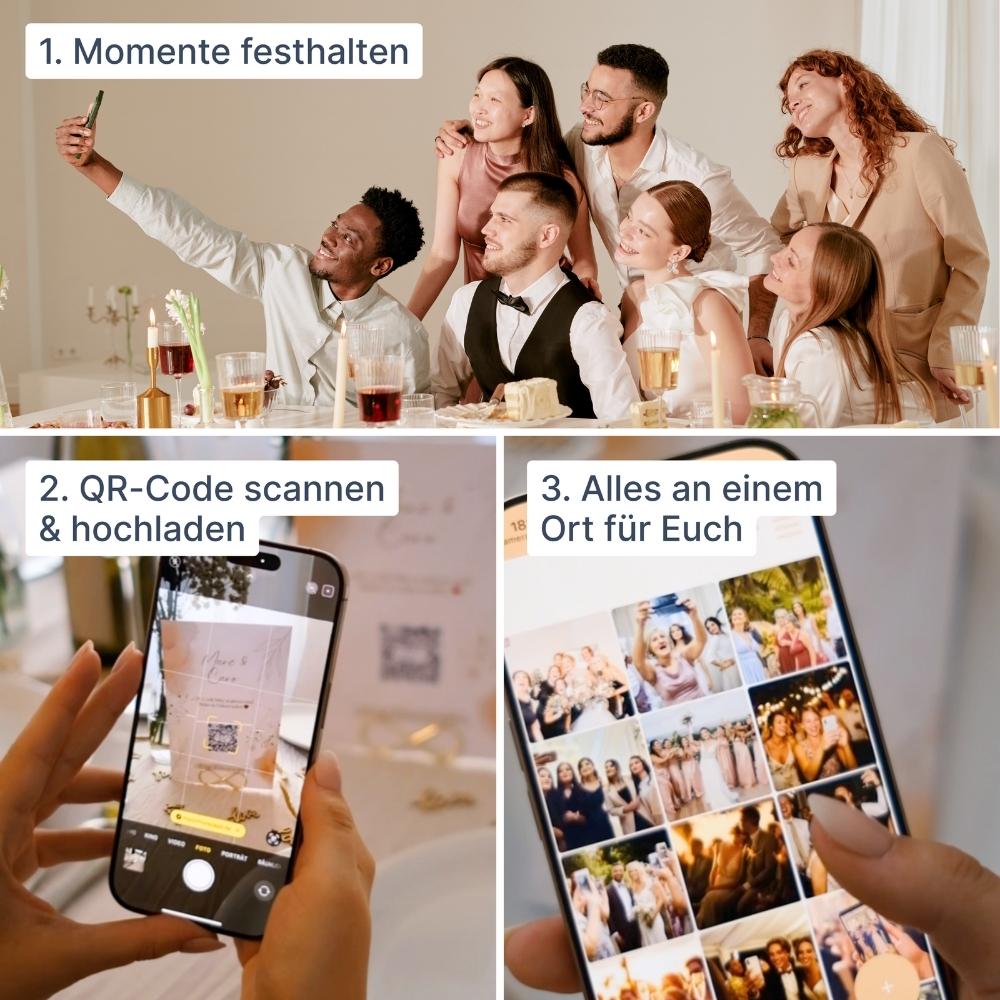
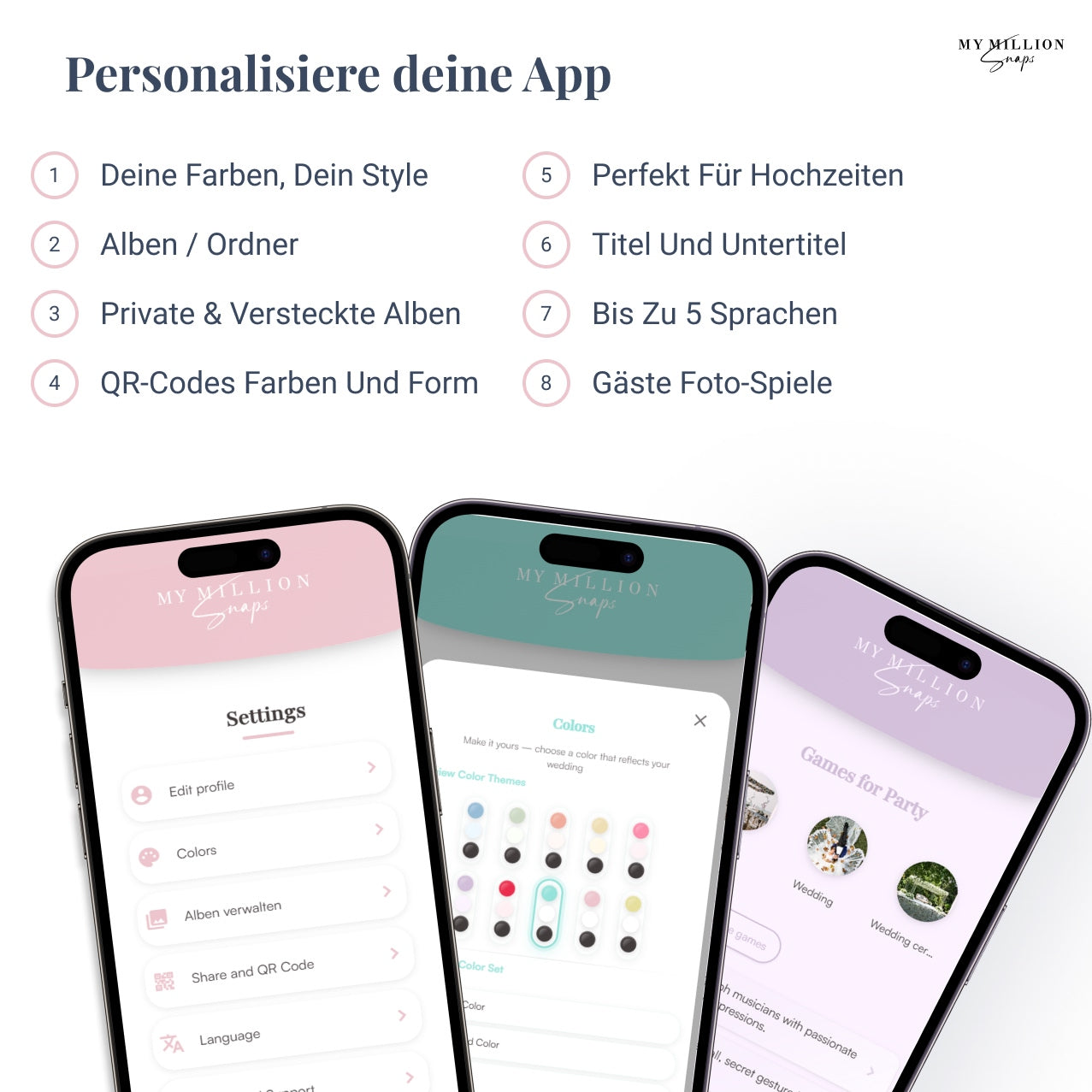
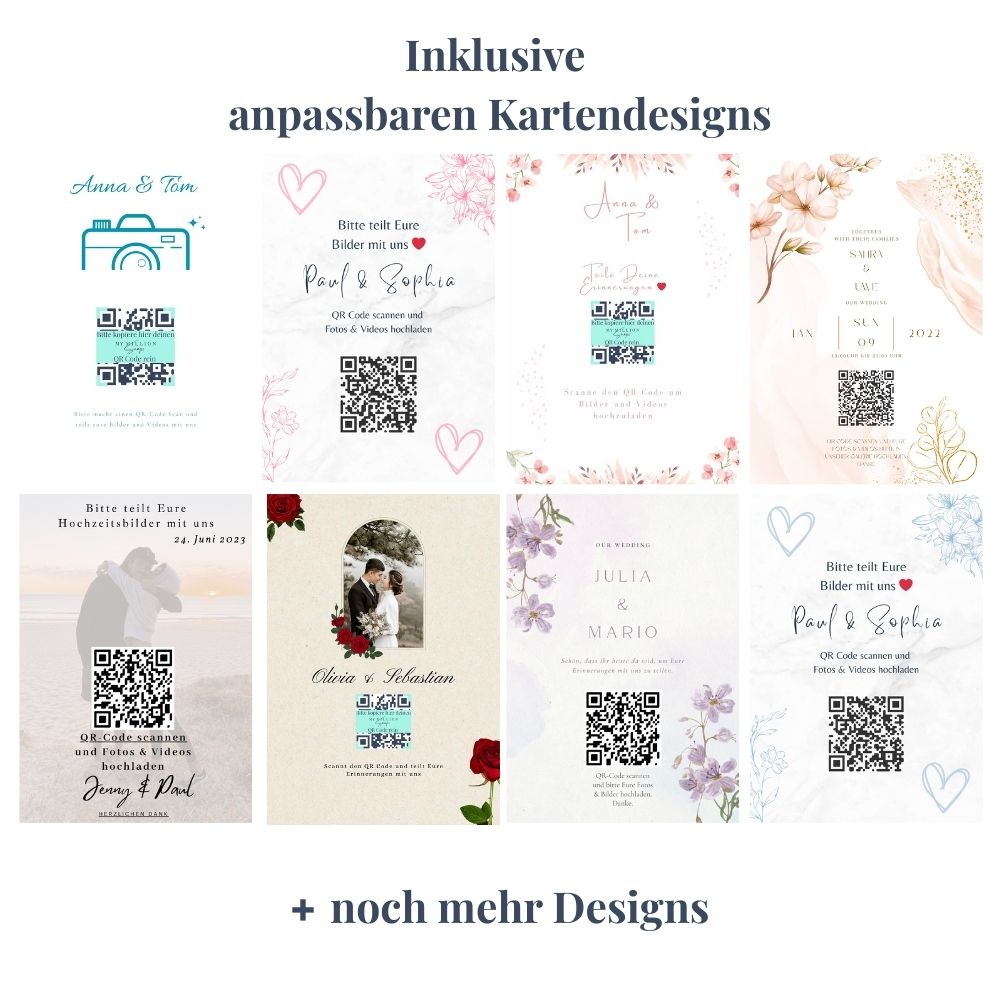
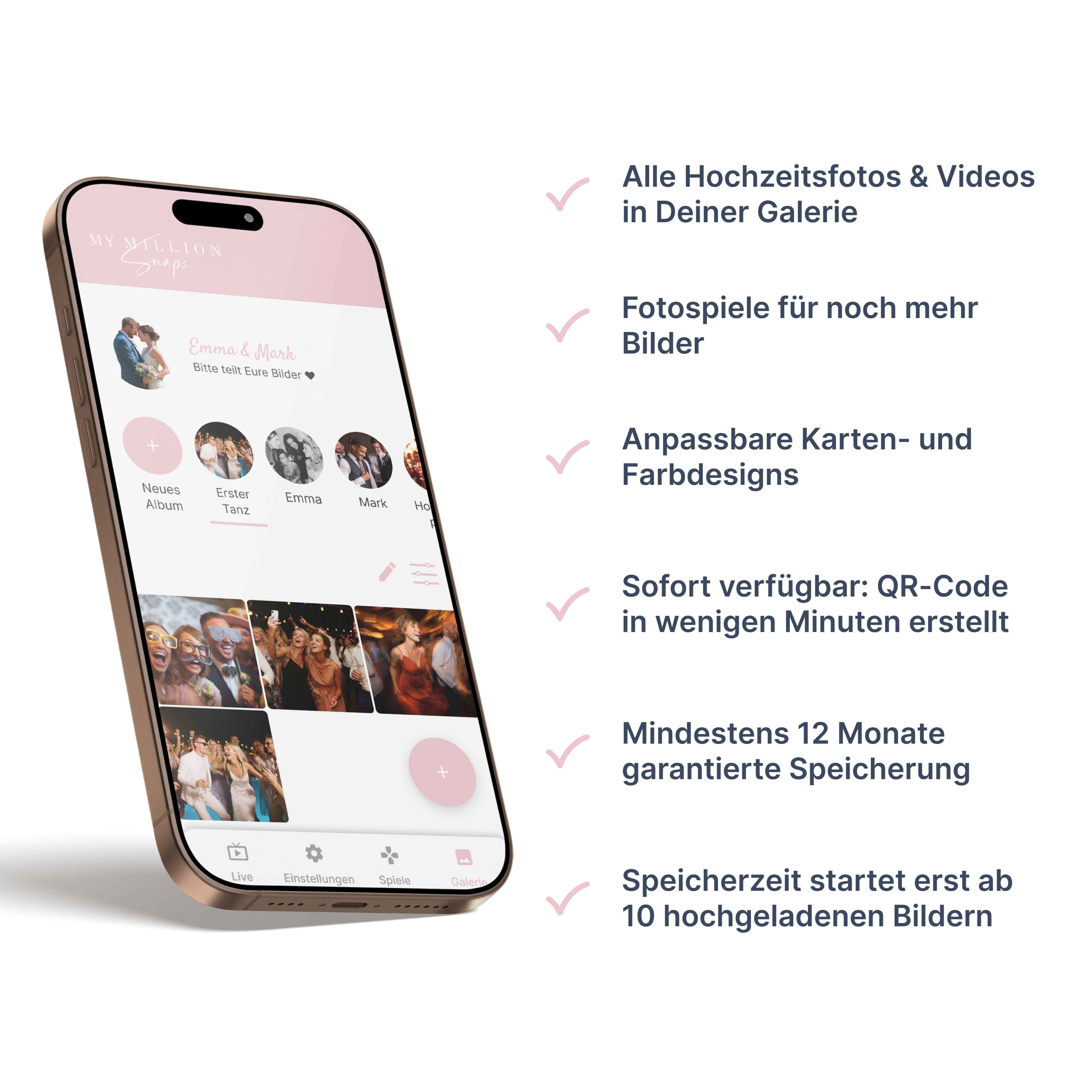
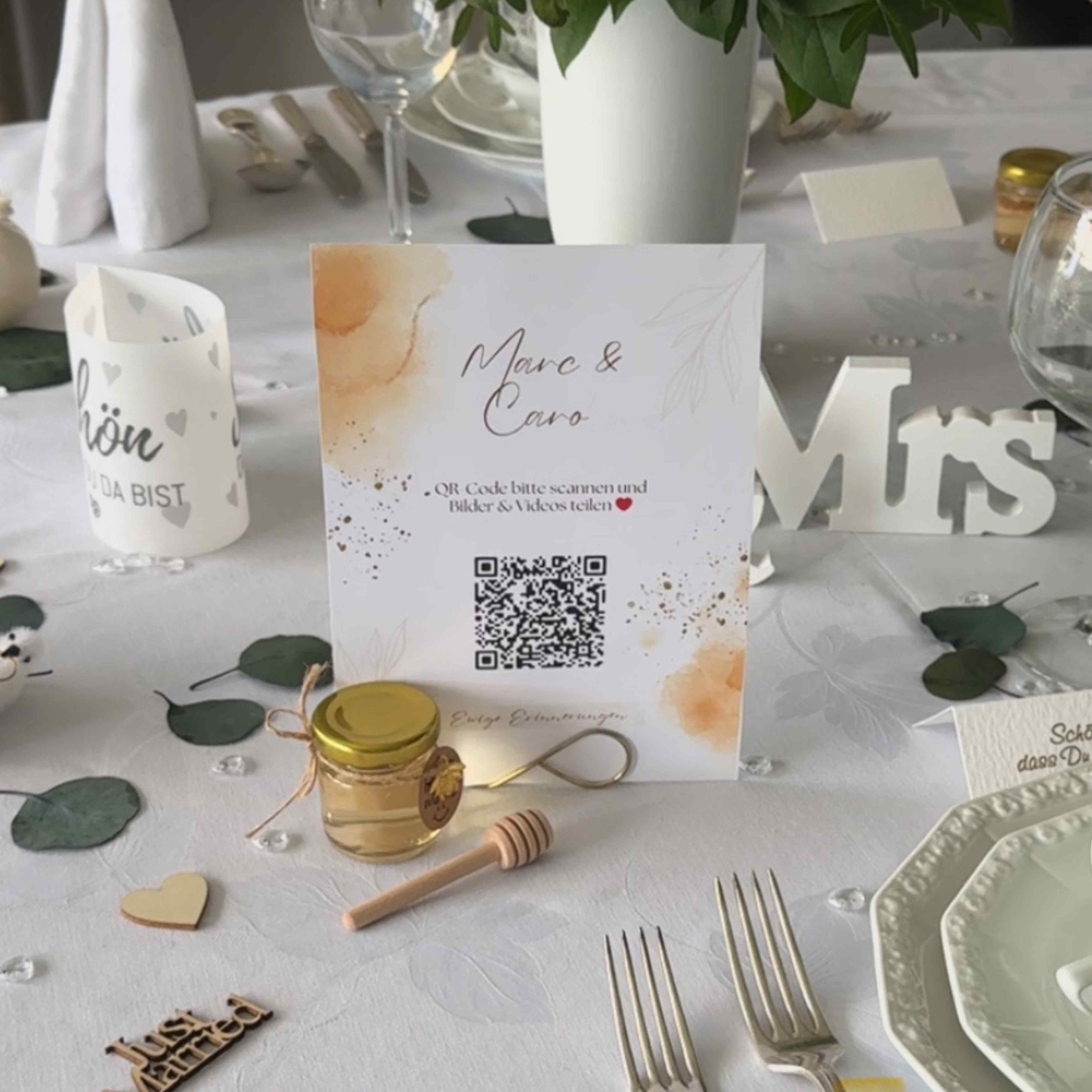
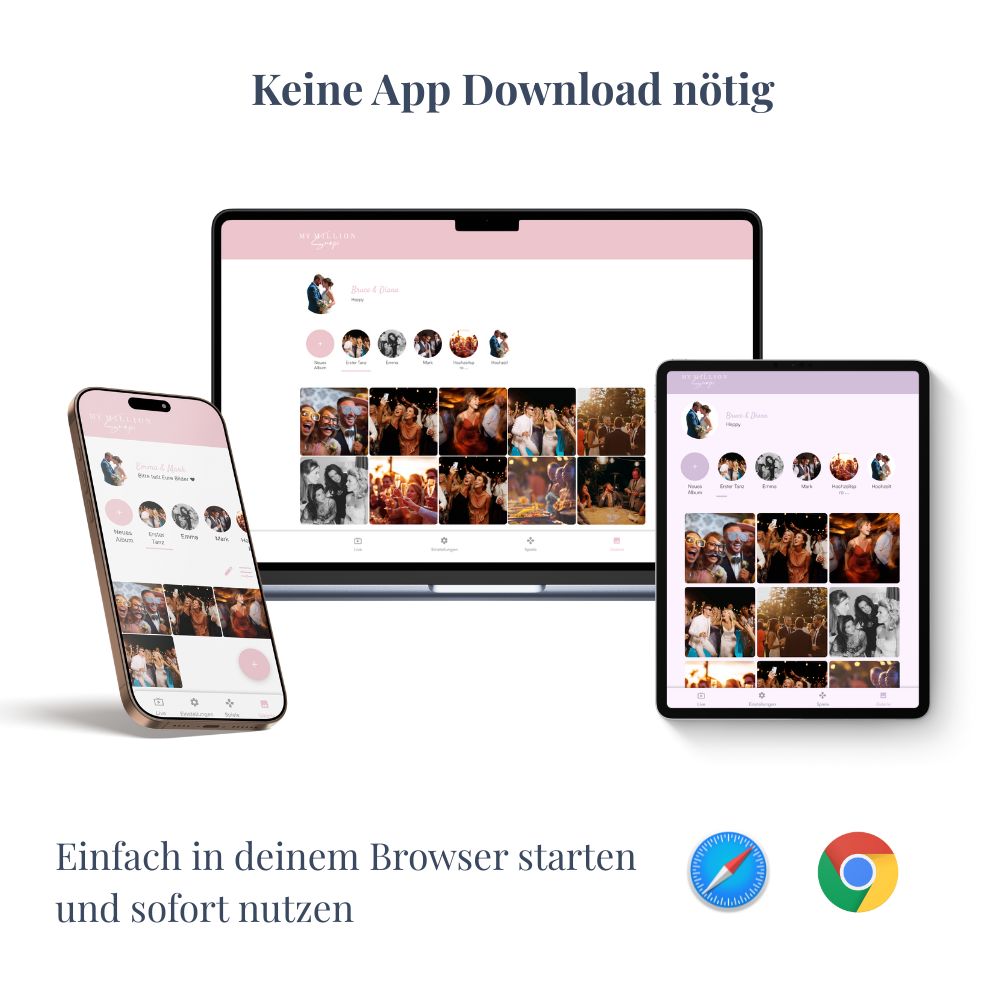
The QR code wedding photo app is the most convenient way to collect guest photos. You book a gallery, get a QR code, and print it on a place card, welcome sign, or menu card. Your guests scan the code with their phone, an upload page opens directly in the browser. Select photo, upload, done. All images land in a central, private gallery to which only you have access.
Zero hurdle for guests – no app download, no account, no email address.
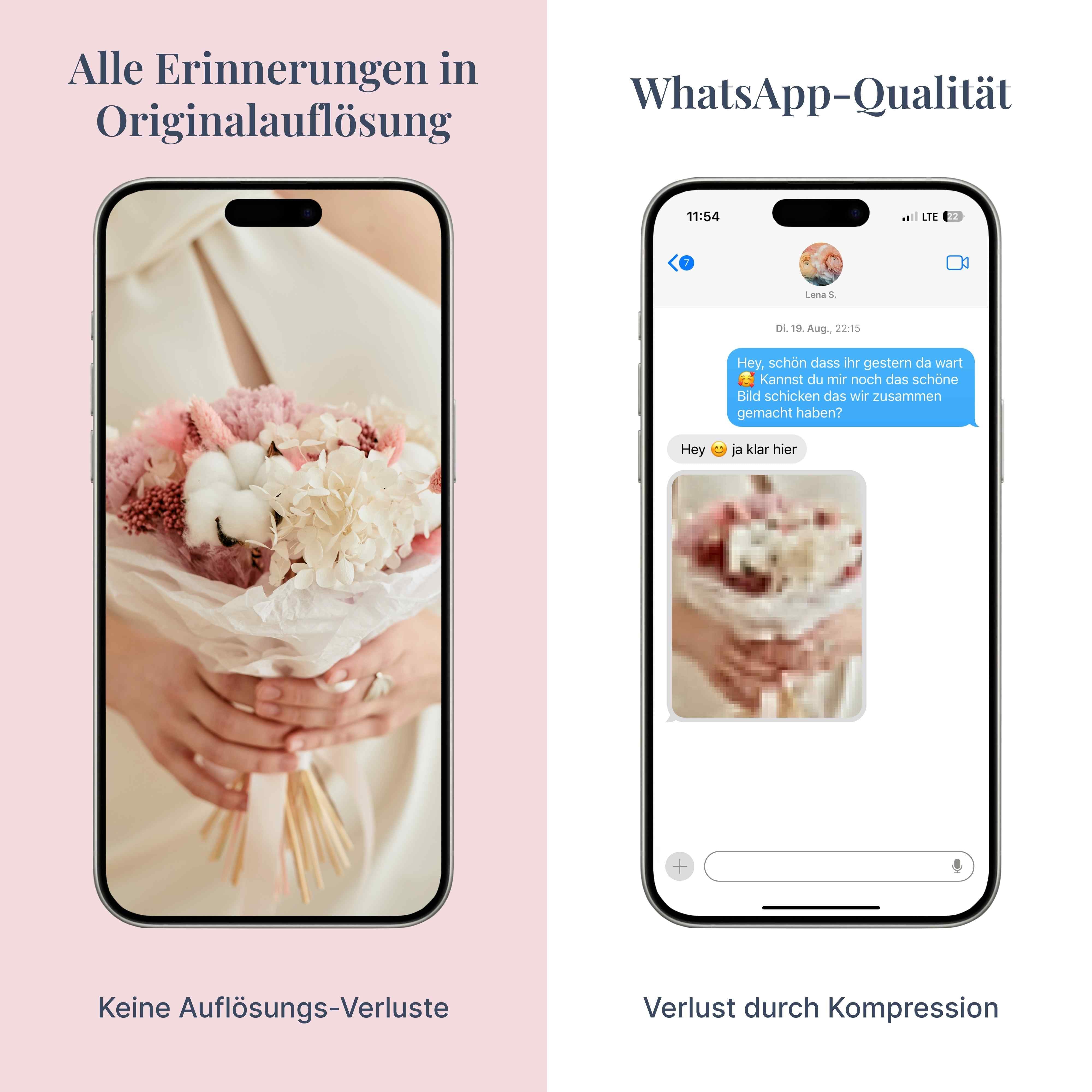
Original quality is preserved; unlike WhatsApp, nothing is compressed.
Processed in compliance with GDPR; gallery is private and not findable via Google.
It costs money. A one-time fee, but often not worth it for under 10 guests.
Internet should be available at the wedding location. In case of a dead zone, most apps buffer and upload later.
Cloud solution with Dropbox, Google Drive or iCloud

The cloud solution is the classic middle ground. You create a folder in Dropbox, Google Drive, or iCloud, share the link, and send it to your guests. If you wish, you can put the link into a QR code generator and print it on a table sign. It works. But it has pitfalls.
Initially free. Dropbox 2 GB Free, Google Drive 15 GB, iCloud 5 GB.
Familiar platform, no new tool, no new logic.
Original quality remains, no reputable cloud compresses content.
Multi-step process for guests. Anyone who has tried to explain Dropbox to their mother-in-law knows what we mean.
Setup and maintenance are up to you. With 80 guests, the folder quickly becomes disorganized.
Limited storage. 2 GB Dropbox will be full after about 30 wedding videos.
If you want to go through the cloud option in detail, you can find the comprehensive comparison here: Dropbox for wedding photos vs. QR code wedding photo app.
Collecting yourself – WhatsApp, USB stick and individual questions

The DIY option has several variations – WhatsApp group, AirDrop, USB stick on the gift table, or the subsequent collection effort. All have in common that they cost nothing, but consume time and nerves.
WhatsApp Group: Create a group, invite guests, everyone shares their photos. Sounds simple, but has two major drawbacks. WhatsApp heavily compresses images and videos: a 4000x3000 photo becomes a 640x480 image, a 5MB file shrinks to under 200KB (Source: Wertgarantie). And your pictures are scattered in the group, everyone can see them, forward them, screenshot them.
USB stick or memory card: Nice idea, fails in practice. On the wedding day, no one wants to manage files. iPhone guests wouldn't have a USB port anyway. In the end, the stick contains half of what it should have.
Contacting each guest individually: Probably the most common DIY method. It always works somehow, but takes weeks, and you'll still never get all the photos.
Comparison table: Which solution suits whom?
The three options in direct comparison – so you can see at a glance which solution suits your wedding.
| Criterion | QR Code App | Cloud (Dropbox & Co.) | DIY (WhatsApp, USB) |
|---|---|---|---|
| Effort for guests | Scan QR, upload. One step. | Open link, find folder, upload. | WhatsApp or pass around stick. |
| Image quality | Original, uncompressed | Original, uncompressed | WhatsApp compresses heavily |
| Setup time | Under 5 minutes | 15 to 30 minutes | 0 to 60 minutes |
| Suitable for | 20+ guests | 10 to 20 guests | Under 10 guests |
| Cost | One-time from approx. €30 | €0 to €12/month | €0, but time-consuming |
What does each solution cost you?
The honest calculation: A wedding in Germany costs on average around 17,000 Euros in 2026, and with honeymoon and rings about 20,000 Euros (Bridebook Wedding Report 2026). The 30 to 50 Euros for a QR code app, which provides you with hundreds of memories in original quality, are negligible in comparison.
| Solution | One-time / Ongoing | Hidden Costs |
|---|---|---|
| QR code wedding photo app | €30 to €100 one-time, no subscription | None |
| Dropbox / Cloud | €0 Free, €0 to €12/month for upgrade | Time for setup and cleanup |
| DIY (WhatsApp, USB) | €0 | Hours of rework, poor quality, lost pictures |
Data protection and GDPR – what you should pay attention to
No matter which solution you choose, three points are important.
Where are the pictures located? German or European servers are the safest choice from a GDPR perspective. US providers like Dropbox can be used, but require attention during configuration.
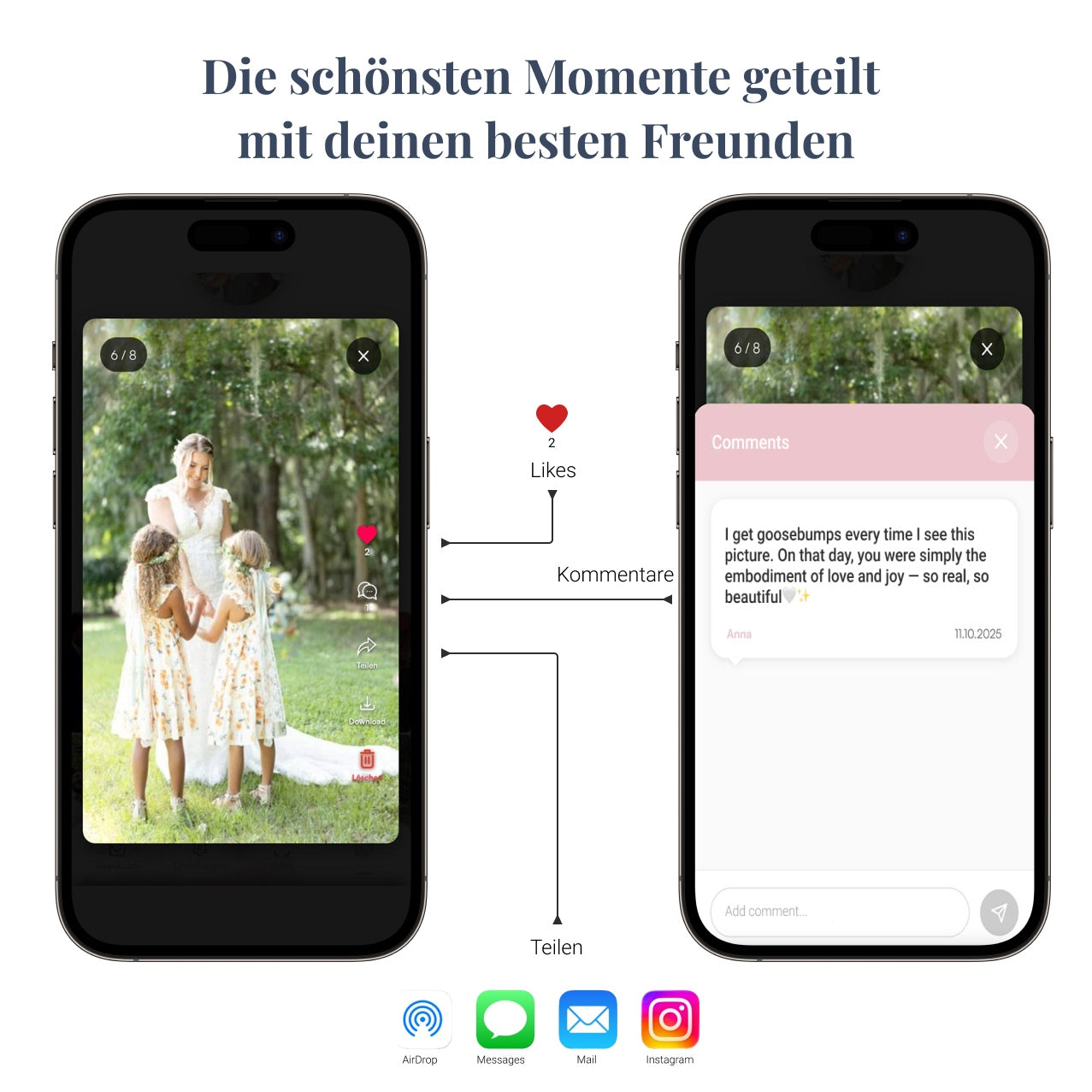
Who can see the pictures? With the QR code app, only you and people with the admin link. With the cloud, only people with the sharing link. With WhatsApp, unfortunately, everyone in the group.
Are images used for advertising? With reputable providers, no. When in doubt, check the terms and conditions or ask support.
Conclusion
Which solution ultimately suits your wedding depends on the number of guests, the desired image quality, and your willingness to put in effort. For most couples with 20 or more guests, a QR code wedding photo app like MyMillionSnaps is the most relaxed way to collect all memories in original quality in one place – complementing the wedding photographer and without stress on the big day.
Frequently asked questions about collecting wedding photos
What is the best solution for collecting guests' wedding photos?
For weddings with 20 or more guests, a QR code wedding photo app is the best solution. Guests don't need an app or an account, the pictures remain in original quality, and everything is GDPR-compliant. For very small celebrations with fewer than 10 guests, AirDrop or WhatsApp is usually sufficient; a cloud solution may be suitable in between.
What does a QR code app for weddings cost?
Most providers charge a one-time fee of between 30 and 100 Euros. No subscription. With MyMillionSnaps, you currently pay 29.95 Euros once for a gallery with unlimited storage.
Can guests upload photos without an app?
Yes. With a QR code wedding photo app, guests scan the code, and the upload opens directly in the browser. No app download, no account, no email address.
What's better, WhatsApp or a QR code app for wedding photos?
The QR code app. WhatsApp compresses images from 4000x3000 to 640x480 pixels, losing the original quality. The app saves in full resolution and bundles everything centrally instead of scattered across multiple chats.
Is Dropbox enough for our wedding photos?
For small weddings, yes; for large weddings, no. Dropbox offers 2 GB in its free plan, which is full after about 30 wedding videos. The upload process has several steps, which reduces the upload rate for many guests.
Are the pictures really private with a QR code app?
With reputable providers, yes. The gallery is not public, not discoverable via Google, and only accessible via your admin link. German or European servers and GDPR compliance are important.
When should I set up the QR code at the latest?
One week before the wedding is safe. Setup takes only a few minutes. However, you need the code in time so you can print it on place cards, welcome signs, or menu cards.
What happens to the pictures after the wedding?
With a QR code app, the pictures remain in your gallery. With most providers, including MyMillionSnaps, you have 12 months of access and can download everything as a ZIP file.