
QR Code Cards for Weddings: Design Them Yourself or Have Them Printed?
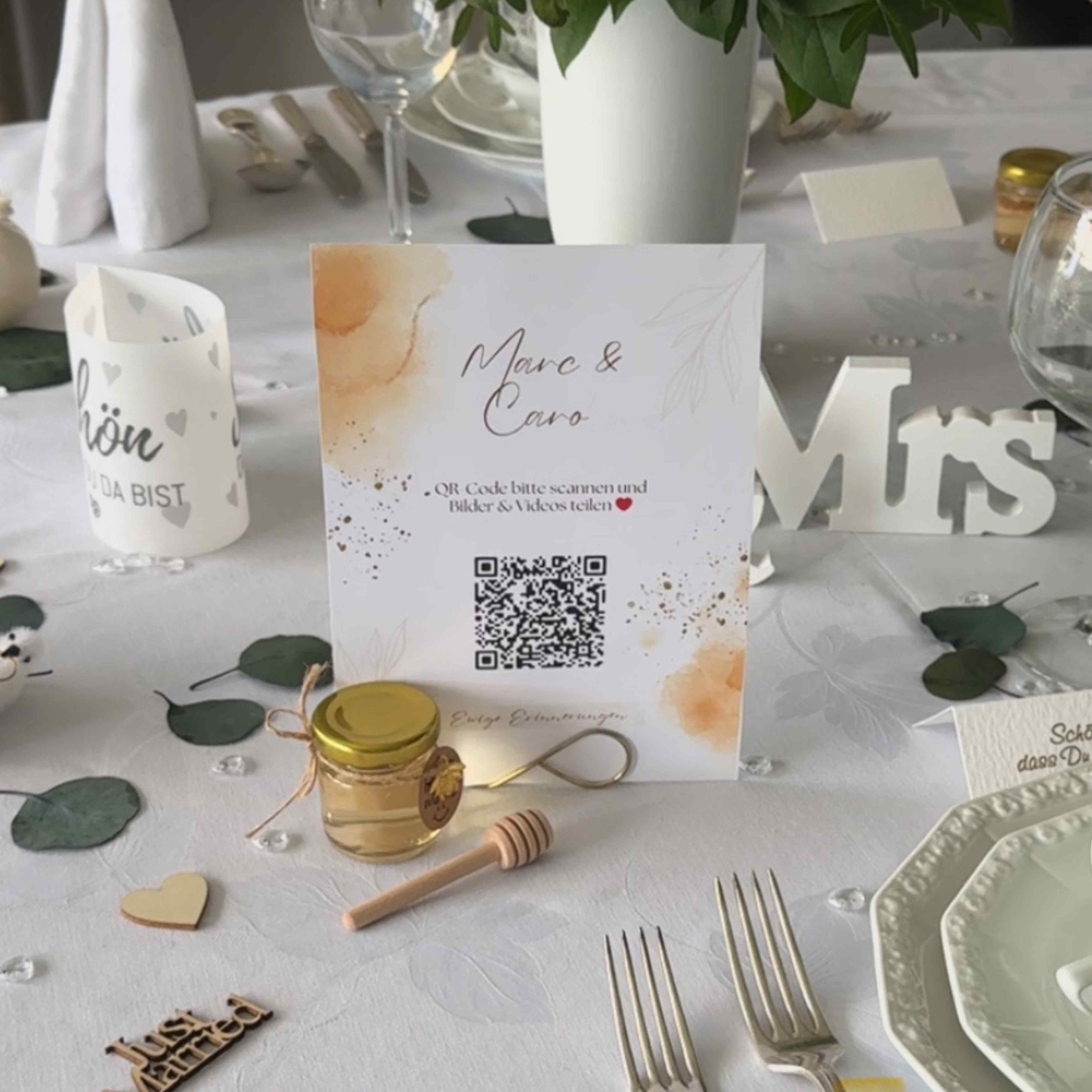
QR code cards make it especially easy for your wedding guests to upload photos and videos directly to your shared wedding gallery. But what's the best way to get the QR code onto the tables? Design it yourself with Canva, print at home, have it printed at a copy shop – or order ready-made QR code cards directly? We show you the different options, their pros and cons, and which solution suits your wedding.
The most important points in brief
- QR code cards should be clearly visible on tables, next to the guestbook, at the bar, or in other central locations at the wedding venue.
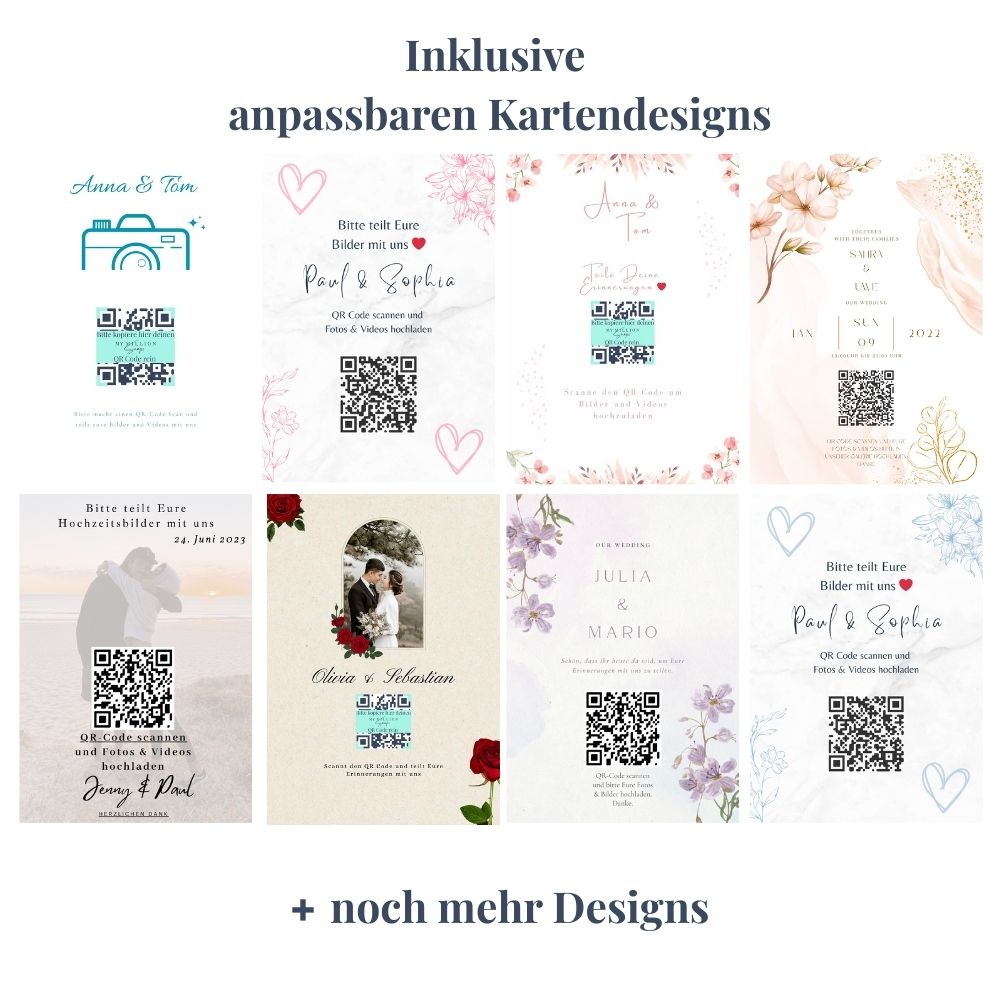
- You can design QR code cards yourself for free with Canva and then print them at home or at a copy shop.
- For sturdy and high-quality cards, 300 gsm paper is suitable, for example. Self-printed cards can also be laminated if needed.
- A copy shop near you is a good solution if you need something quickly and don't want to print yourself.
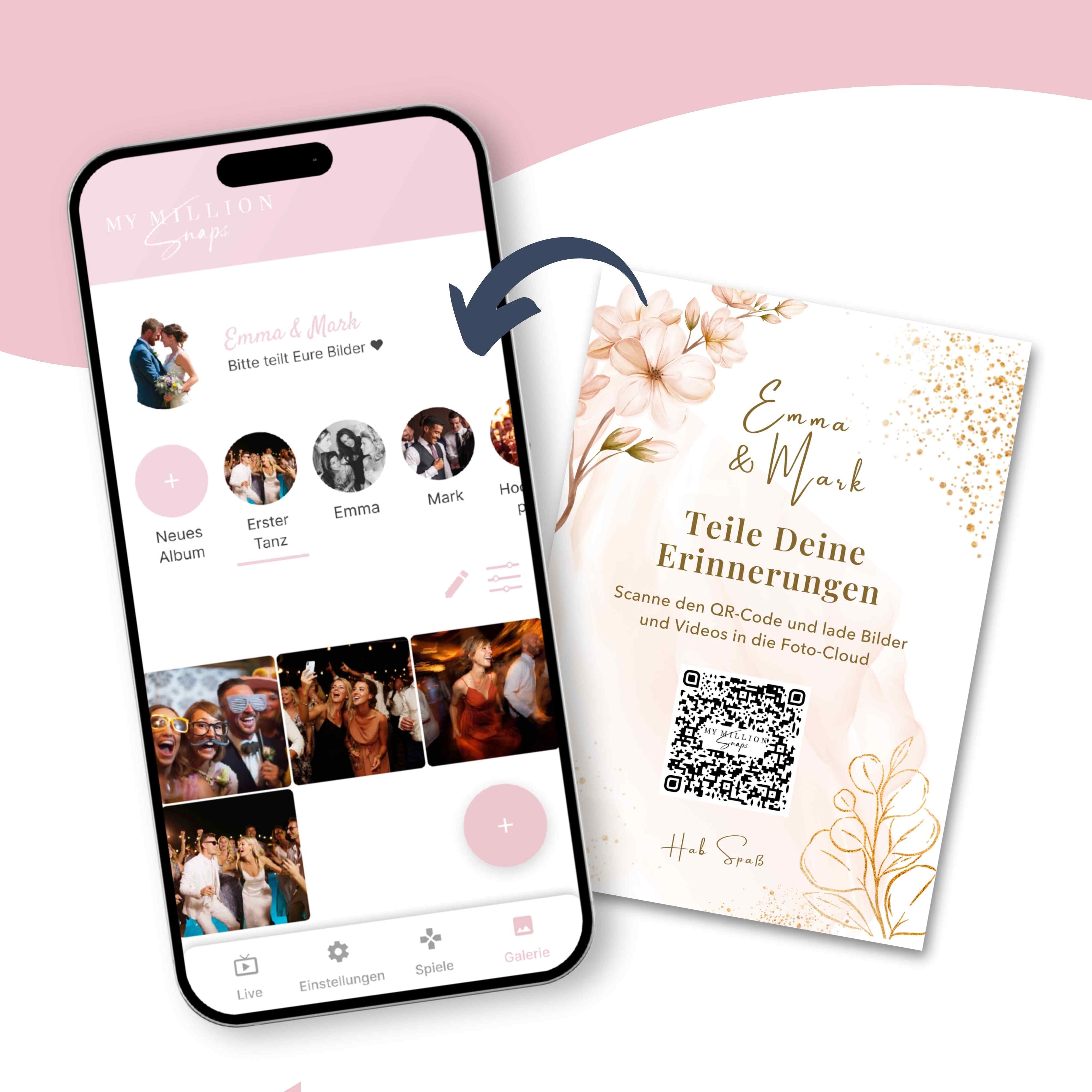
- It's even easier to have ready-made QR code cards printed professionally directly. At MyMillionSnaps, you can order matching cards for your wedding gallery.
- For production and delivery, you should allow several business days depending on the destination. In Germany, typically about 3 to 7 business days is reasonable.
- No matter which option you choose: Be sure to test the QR code before final printing.
Almost every guest takes photos or videos during a wedding nowadays. Hundreds of personal shots are often taken during the champagne reception, the ceremony, dinner, wedding games, or later on the dance floor.
The challenge usually comes afterwards: How does the bridal couple get all these photos?
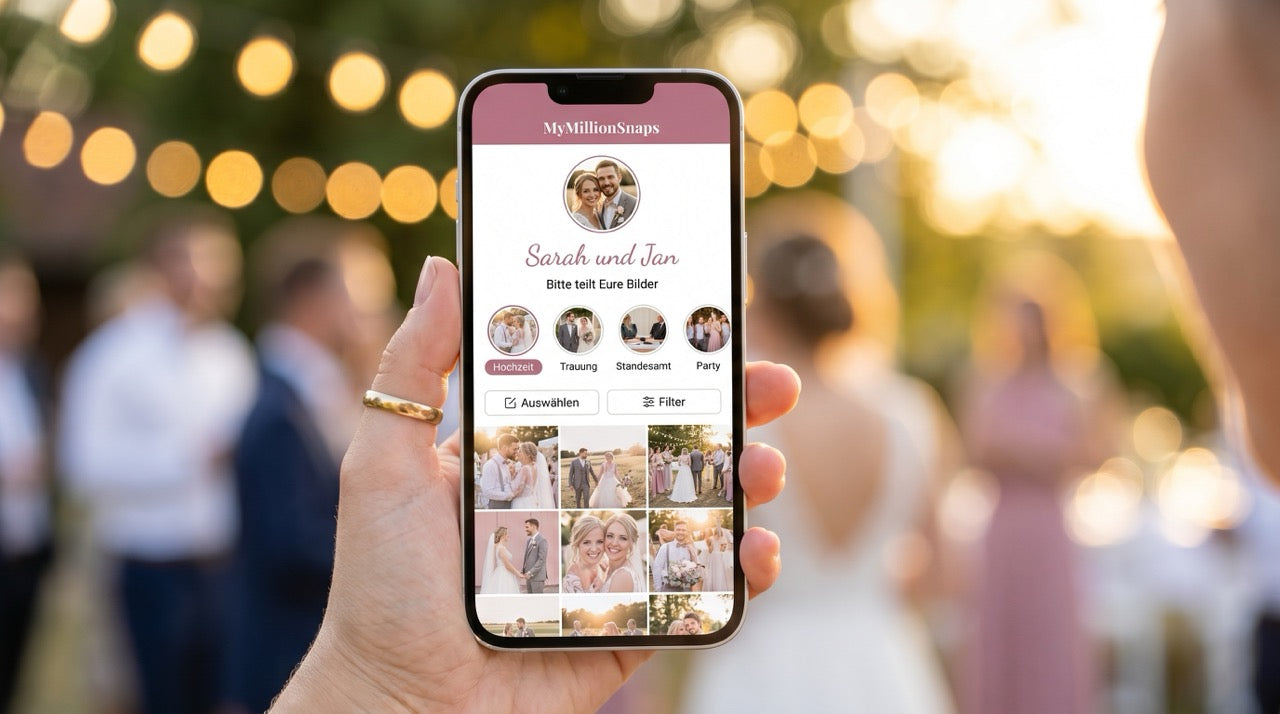
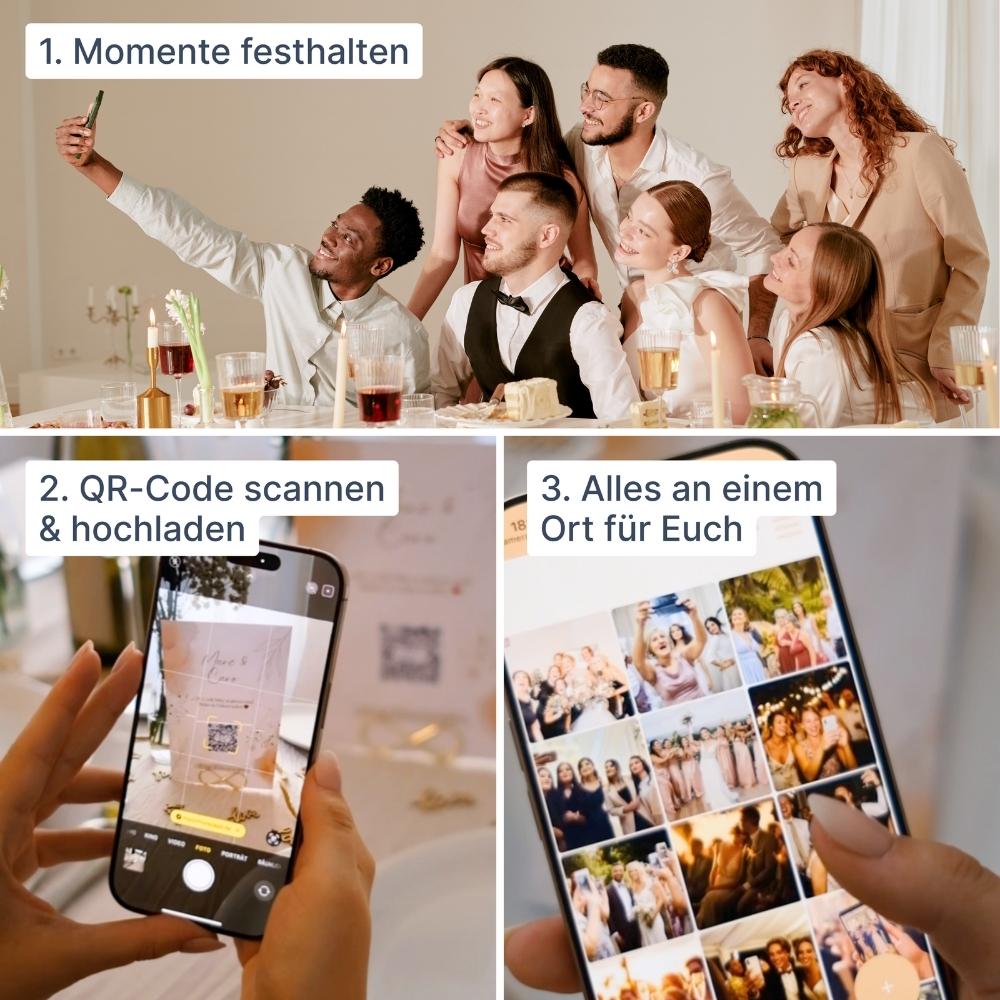
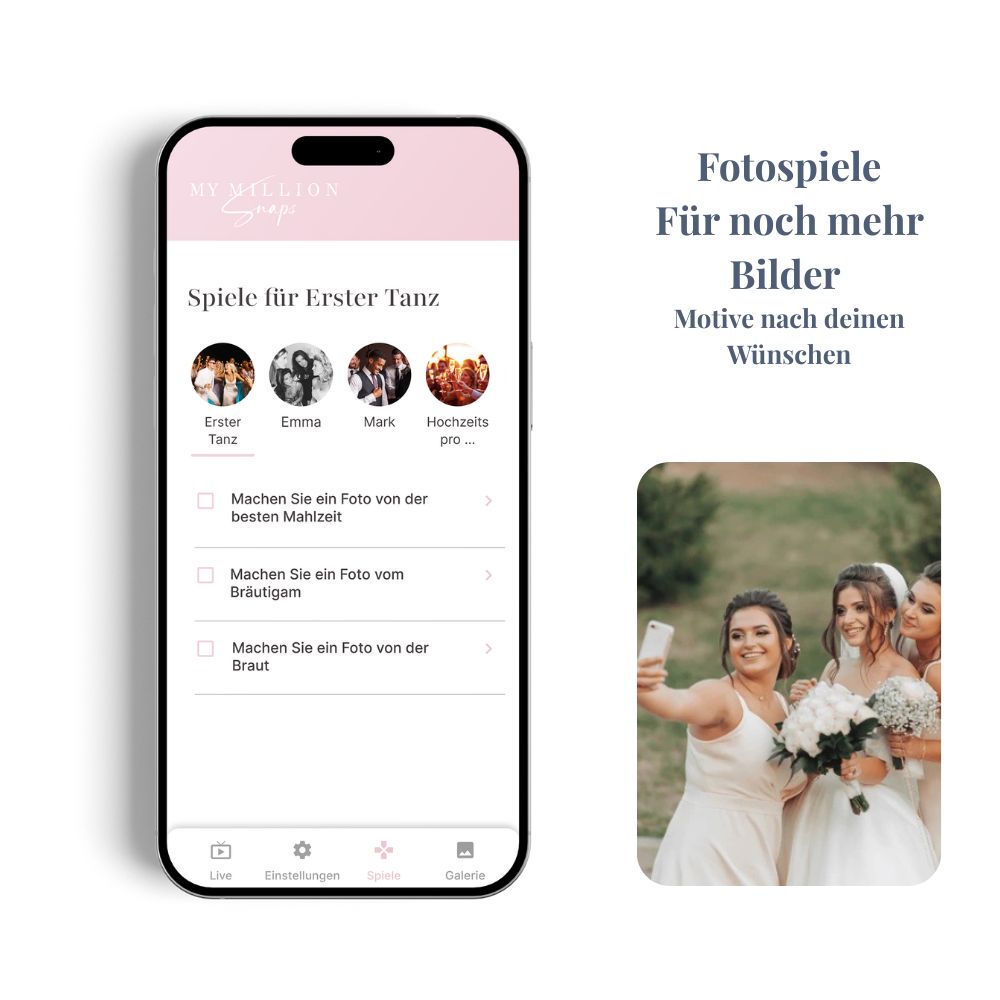
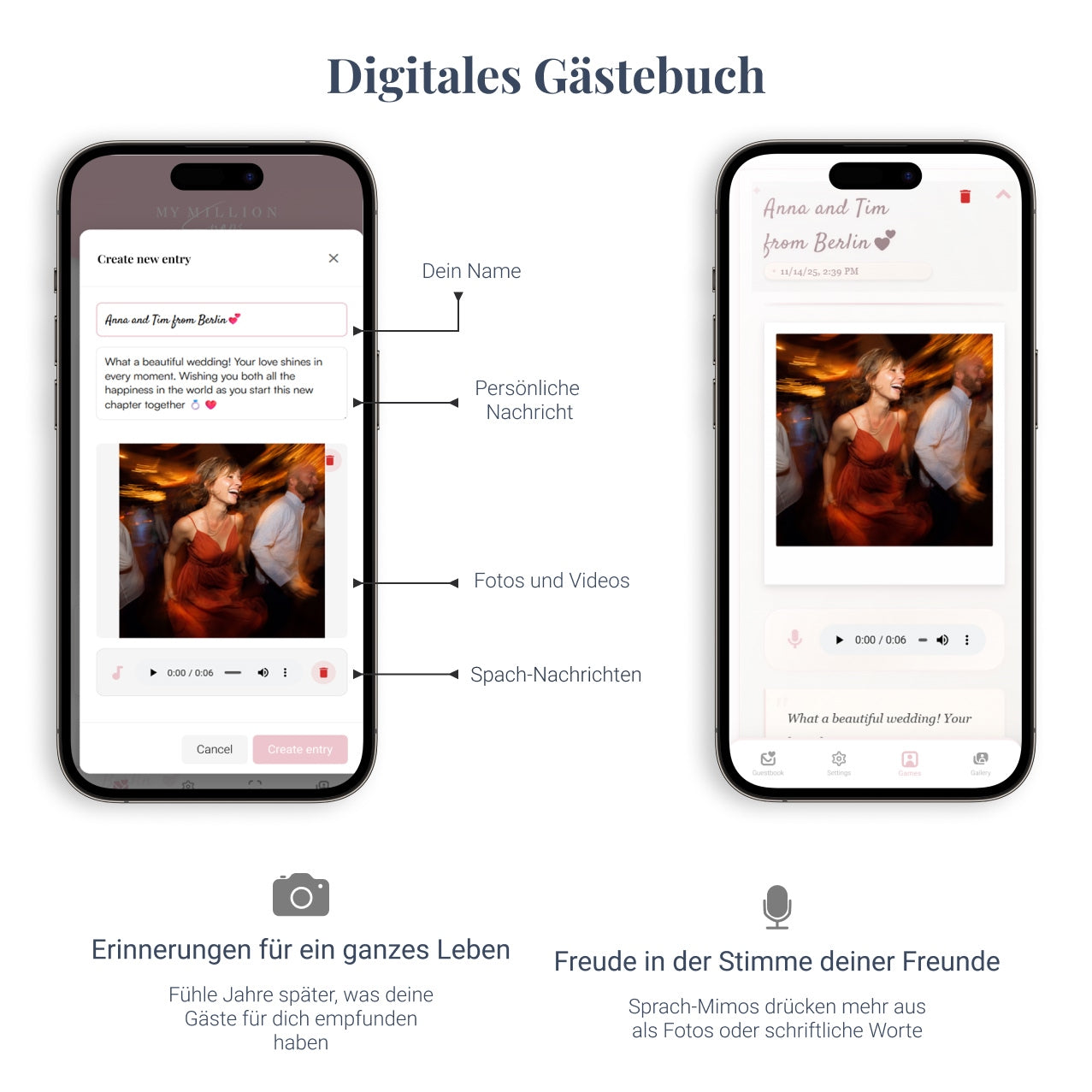
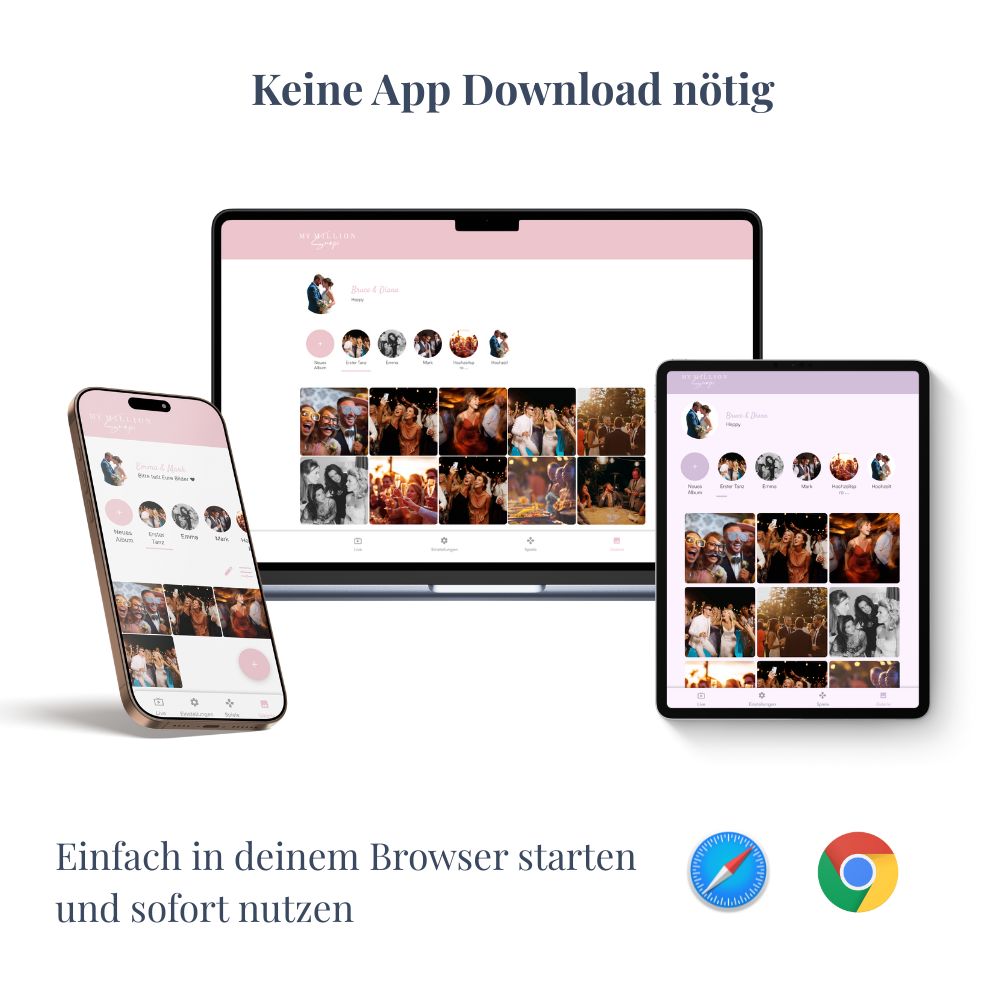
With a wedding gallery and a QR code, it's much easier. Your guests scan the QR code with their smartphone and go directly to the gallery. With a solution like MyMillionSnaps, neither an additional app nor registration is necessary.
However, for guests to actually use the QR code, it should be as easy to find as possible on the wedding day. This is where QR code cards for the wedding come in.
Where should QR code cards be placed at the wedding?
One of the most frequent questions is not only how to create QR code cards, but also where to place them.
From our perspective, the rule is: Better several clearly visible cards than a single large QR code.
- on the guests' tables
- next to the guestbook
- at the bar
- on the gift table
- by the photo mirror or photo booth
- on the welcome sign
- near the dance floor
For larger tables, two QR code cards per table can also be useful. This way, your guests don't have to pass the card around or search for it.
In addition to the QR code, the card should also include a brief explanation, for example:
"Share your most beautiful photos and videos with us!"
or:
"Scan the QR code and upload your memories directly to our wedding gallery."
The explanation should be as short as possible. Your guests should understand what they can do within a few seconds.
Option 1: Design QR code cards for free with Canva
If you enjoy being creative, you can design your wedding QR code cards with Canva.
This option works very well and doesn't have to be complicated at all. You download your QR code as an image file and then insert it into your desired Canva design. You can add your names, the wedding date, and a short note for your guests.
A big advantage is the creative freedom. You can easily adapt colors, fonts, and design to match the rest of your wedding stationery.
Design is generally free.
Many templates and design options.
Colors and fonts can be customized.
Last-minute changes are possible at any time.
Design and print preparation are up to you.
The correct format and print quality must be checked yourself.
For larger quantities, the time commitment increases.
Option 2: Print QR code cards yourself
If you have a good printer at home, you can of course print your cards yourself.
This is particularly practical if only a few cards are needed or your wedding is imminent.
However, we would not recommend normal printer paper for freestanding cards. It is relatively thin and can quickly look less high-quality on the wedding table.
Thicker paper or cardstock is more suitable. Depending on the printer, you will need to check beforehand which paper thickness can be processed at all.
Another option is to subsequently laminate the finished cards. This makes them more stable and also protects them against moisture or spilled drinks.
Option 3: Design with Canva and have it printed at a copy shop
A particularly practical DIY option is:
Create the design yourself in Canva – then have it printed at a copy shop.
Many copy shops can print relatively quickly, sometimes even on the same or the next business day.
For wedding cards, for example, thicker paper with approximately 300 gsm is suitable. This makes the cards feel much more high-quality and sturdy than normal printer paper.
You can usually export the finished file as a PDF from Canva and send it digitally to the copy shop or bring it with you in person.
Possible at very short notice.
More professional printing than with many home printers.
300 gsm paper is available at many copy shops.
Canva design remains completely individual.
You have to prepare the design and print file yourself.
Coordination and pick-up at the copy shop are required.
Depending on the card shape, cutting or folding may also be necessary.
Option 4: Have QR code cards professionally printed directly
If you want to minimize the effort involved with wedding stationery, you can have the cards produced professionally directly.
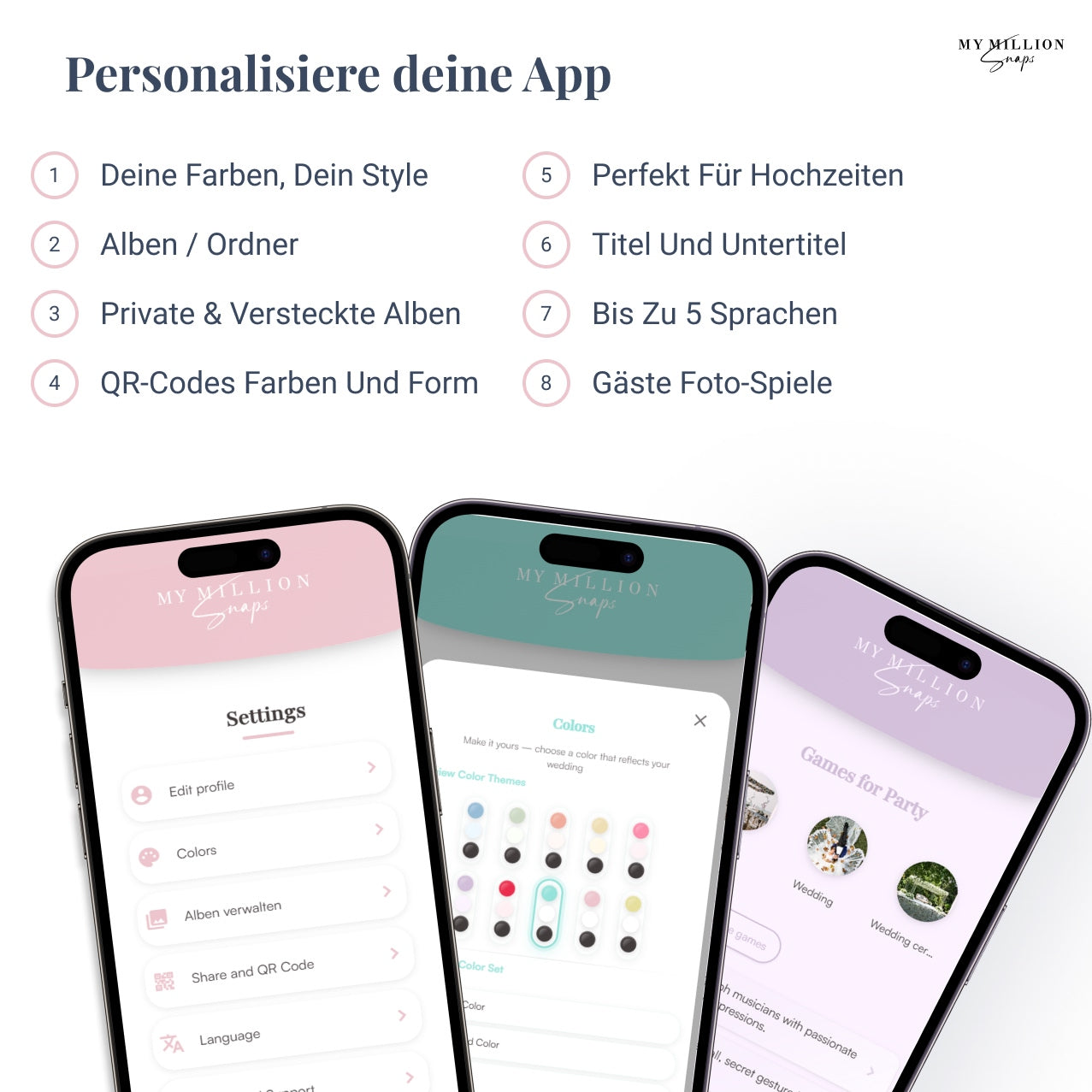
That's exactly why we at MyMillionSnaps offer matching QR code cards in addition to our wedding gallery.
The main advantage is the simplicity.
Instead of downloading the QR code, creating your own print format, choosing suitable paper, finding a copy shop, and then preparing the cards yourself, you can order your QR code cards directly to match your wedding gallery.
The cards are professionally produced by our print shop in very high quality and then delivered to you.
If you still have a few days until your wedding, this is, in our opinion, the most convenient option. For Germany, you should allow approximately 3 to 7 business days for production and delivery. Delivery to Austria is also possible; a little more shipping time should be planned for there accordingly.
Very little effort on your part.
Professional and consistent print quality.
No need for your own printer or copy shop.
No self-preparation and processing of larger quantities.
The professional option costs more than purely self-printing.
You should allow several business days for production and shipping.
Canva or professional printing – which is better?
Both can be the right decision. The crucial factors are primarily how much time you still have until the wedding, how much you enjoy designing yourself, and how much effort you want to put into printing.
| Situation | Canva / DIY | Professional Printing |
|---|---|---|
| Wedding in a few days | Very good – print yourself or copy shop | Only if delivery time is still sufficient |
| Lowest possible costs | Very good | Higher costs |
| Individual DIY design | Very good | Less design effort on your part |
| High-quality print | Good with professional copy shop | Very good |
| Minimal effort | More self-work | Very good |
| Several business days left | Possible | Very good solution |
So Canva is by no means a bad alternative. On the contrary: If things need to move very quickly, Canva combined with a copy shop can even be the most sensible solution.
However, if you have enough lead time and want to worry as little as possible, professionally printed QR code cards are usually more convenient.
How many QR code cards do you need for a wedding?
You don't need to give every guest their own card.
In most cases, it is entirely sufficient to strategically distribute the QR code cards throughout the wedding venue.
A simple rule of thumb is:
At least one QR code card per table.
For large tables or tables with many guests, two cards may also be useful.
You can also place additional cards, for example, at the guestbook, at the bar, or in other clearly visible locations.
For a wedding with ten guest tables, therefore, 10 to 15 cards might be entirely sufficient.
The exact number is less critical than visibility.
Standing, freestanding, or classic card?
The shape of the QR code card can also play a role.
A classic flat card, for example, can be leaned against a guest favor or placed in a card holder.
A standing or folded QR code card, on the other hand, has the advantage that it can stand directly on the table without additional accessories. This often makes it more noticeable.
Which option is better depends primarily on your table decoration.
For a very minimalist table decoration, a freestanding card can be a beautiful additional element. If the table is already filled with menu cards, name cards, flowers, and candles, a smaller classic card can be integrated more subtly.
The most important tip: Test the QR code before printing
Regardless of whether you use Canva, a copy shop, or a professional printing service:
Be sure to test your QR code before final printing.
It's best to open the finished print file on another device or print a test copy first.
- Scan the QR code with your smartphone.
- Check if the correct wedding gallery opens.
- Upload a photo as a test.
- Verify that the image then appears in the gallery.
Ideally, you should also test the QR code with two different smartphones.
A QR code error might not be noticeable on the computer – but after printing a large number of cards, it would be extremely annoying.
Conclusion: The main thing is that your guests find the QR code
Whether self-designed or professionally printed – what matters is not which option you choose.
What matters is that the QR code on the wedding day is clearly visible, easy to understand, and quickly accessible.
Canva is a good and flexible solution for anyone who likes to design themselves or needs cards at short notice. Together with a copy shop and high-quality 300 gsm paper, very nice results can be achieved.
If, on the other hand, you want to keep things as simple as possible and there's still enough time until the wedding, you can have the QR code cards printed professionally directly.
This way, you have one less item on your wedding to-do list to worry about – and your guests can focus on capturing exactly the photos and videos that you might love the most later.
Frequently asked questions about QR code cards for weddings
How do I create a QR code card for my wedding?
You first need the QR code for your wedding gallery. You can download this as an image and, for example, insert it into a self-designed card in Canva. Alternatively, you can have ready-made QR code cards printed professionally directly.
Can you print QR code cards for a wedding yourself?
Yes. For a few cards and last-minute weddings, this can even be a very practical solution. Use thicker paper if possible and check beforehand which paper thickness your printer supports. If necessary, you can also laminate the cards.
What paper is suitable for QR code cards?
For higher-quality wedding cards, thicker paper is useful. 300 gsm, for example, is well-suited for sturdy cards and is offered by many professional printing companies and copy shops.
Can I have my QR code cards printed at a copy shop?
Yes. For example, you can design the card in Canva, export it as a print-ready file, and then have it printed at a copy shop. This is particularly practical if the wedding is taking place in just a few days.
How long does it take to have QR code cards printed professionally?
For production and delivery within Germany, you should allow approximately 3 to 7 business days for MyMillionSnaps. For Austria, some additional shipping time should be taken into account. If your wedding is imminent, a local copy shop might be faster.
How many QR code cards do I need?
One card per table is a good starting point. For larger tables, two cards might be useful. Additionally, you can place a QR code at the guest book, at the bar, or in other prominent locations.
Do guests need to download an app?
Not with MyMillionSnaps. Your guests scan the QR code and are taken directly to the wedding gallery via their browser. This minimizes the barrier to uploading.
Should you test the QR code before printing?
Absolutely. Ideally, test the finished QR code on several smartphones and upload a test photo. Only then should you have a larger quantity of cards printed.